
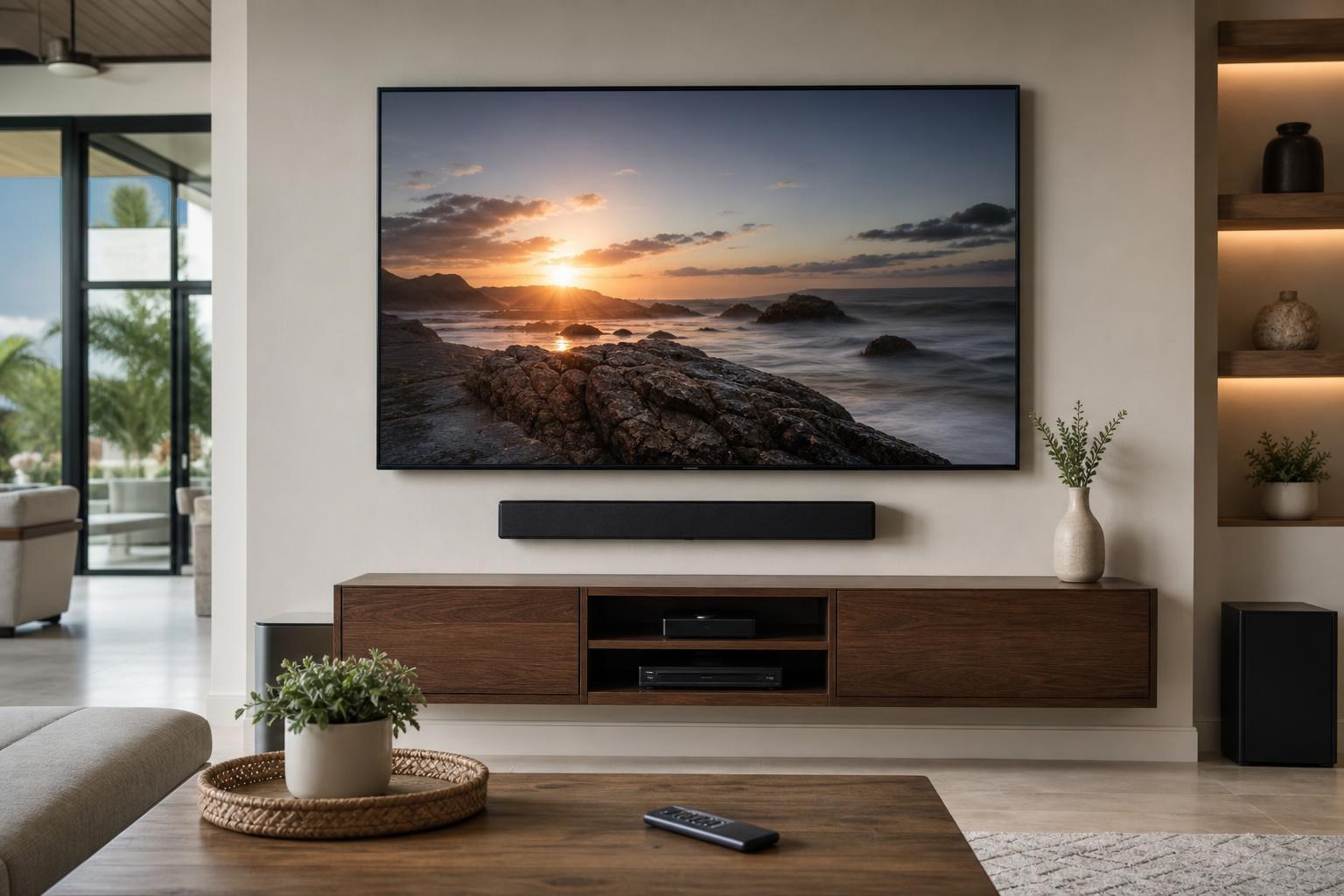
One Remote Won’t Control Your TV and Soundbar? Check These HDMI-CEC Trouble Spots
October 10, 2026
You sit down, turn on the TV, and expect one remote to handle the rest. Instead, the picture appears without sound, the volume buttons control the wrong speakers, or the soundbar works until you switch to a streaming device. Sometimes everything behaves normally after another restart, which only makes the problem more frustrating.
These symptoms often involve HDMI-CEC, ARC or eARC, input selection, or the order in which connected devices start. The issue is not always a defective remote or soundbar. It may be a communication problem within the complete entertainment system.
Before adding another remote or replacing equipment, use the following guide to identify where that communication may be breaking down—and when home entertainment programming may be the more practical next step.
What HDMI-CEC is supposed to do
HDMI-CEC allows compatible devices connected by HDMI to exchange basic control commands. Depending on the equipment, a TV remote may turn a soundbar on, adjust its volume, switch an input, or place several connected devices into standby.
Manufacturers frequently give HDMI-CEC their own names. You may see labels such as Anynet+, BRAVIA Sync, Simplink, VIERA Link, EasyLink, or a general device-control setting. Different branding does not necessarily mean the devices are incompatible, but it can make the correct menu harder to find.
ARC and eARC have a related but different job: they carry TV audio to a compatible soundbar or receiver through the designated HDMI connection. A system can recognize CEC commands while still having an audio-return problem, or pass audio correctly while failing to respond consistently to one remote.
Match the symptom to the likely trouble spot
The timing of the failure can reveal more than repeatedly pressing the volume button. Pay attention to what happened immediately before control was lost.
- The remote turns on the TV but not the soundbar: CEC may be disabled on one component, or the TV may not be detecting the soundbar during startup.
- Volume works, but sound comes from the TV: The TV’s speaker-output selection may have returned to its internal speakers.
- The soundbar works until you change inputs: A streaming device, Blu-ray player, or media box may be affecting device control or input selection.
- Everything works after a second restart: Connected components may be completing their startup and HDMI handshakes in an inconsistent order.
- The remote shows a volume indicator but nothing changes: The command may be reaching the TV interface rather than the soundbar.
- Control stopped after replacing equipment: The new TV, soundbar, cable, or media device may require fresh device discovery and updated settings.
Check HDMI-CEC on both the TV and soundbar
Finding CEC enabled on the television is only half of the check. The soundbar may have its own HDMI-control option, and some models separate CEC, ARC/eARC, automatic input switching, and standby behavior into different menu choices.
Review the on-screen settings for both components rather than assuming the factory defaults match. If a connected streaming device has a separate “control TVs and receivers” option, note that as well. Multiple devices may be sending commands, and those commands do not always produce the behavior a homeowner expects.
A settings change can also trigger a new device-detection process. Allow the components time to recognize each other before making several more changes. Rapidly toggling multiple options makes it difficult to determine which setting affected the result.
Confirm the soundbar is using the intended connection and input
On most ARC/eARC arrangements, the TV and soundbar must use their specifically labeled ARC or eARC connections. Using another HDMI input may allow a device to appear connected without providing the expected audio-return and control behavior.
The soundbar must also be on the correct source. Depending on its interface, that source might be labeled TV, ARC, eARC, HDMI, or something similar. If the soundbar returns to Bluetooth, optical, or another input, TV-remote volume control may stop even though the bar itself remains functional.
Cable condition and capability matter, particularly when a problem appeared after moving a console, adding a device, or reorganizing media cables. A cable can look neatly connected while still being loose or unsuitable for the intended feature. Keep cable routing orderly and avoid placing strain on the TV or soundbar connections.
Review the TV’s audio-output selection
A television may offer several output choices, including its internal speakers, an external audio system, Bluetooth audio, or ARC/eARC. If the TV returns to its own speakers, the same remote can appear to change volume while bypassing the soundbar.
Also look for an automatic output option that changes based on detected equipment. Automatic selection is convenient when detection is reliable, but it can create confusing results if a soundbar starts more slowly or another audio device was recently used.
If voices are audible but the volume display or mute status does not match between the TV and soundbar, the devices may be using separate control paths. That is a useful detail to mention when requesting TV mounting services that include setup or programming.
Test a consistent startup order
HDMI-connected products identify one another as they start. If a streaming device wakes first, the TV may switch directly to that input before the soundbar is fully detected. In another session, the TV might start first and establish the audio connection normally.
As a diagnostic check, start with the TV and soundbar, confirm that TV audio is reaching the bar, and then activate the streaming or media device. If control is reliable in that order but not when everything starts together, the issue is likely broader than the handheld remote itself.
This does not mean you should accept a complicated startup ritual permanently. It gives you useful evidence that programming, device settings, or equipment interaction needs attention.
Consider every device in the HDMI chain
A one-remote problem may involve more than the TV and soundbar. Streaming sticks, Blu-ray players, game systems, media boxes, and HDMI switches can all participate in CEC. One device may wake the TV correctly while another forces an unwanted input or takes over control.
Before seeking help, make a simple list of:
- The TV and soundbar brands and model numbers
- Every connected streaming or media device
- Which remote you want to use most often
- The input where the problem occurs
- Whether the failure happens at startup, after input changes, or after using another device
- Any equipment or cable changed shortly before the issue began
This information helps define the desired result. For example, one household may want the TV remote to manage everyday viewing, while another wants a streaming-device remote to start the TV, open the correct input, and control soundbar volume.
When professional programming help makes sense
If the setup works only after repeated restarts, regularly selects the wrong speakers, or loses control whenever you change sources, isolated setting changes may not solve the complete system. Professional help can be useful when the TV, soundbar, and media devices need to be evaluated and programmed together.
It may also be a good time to address physical setup details. A soundbar can be mounted in a visually balanced position, media cables can be routed more cleanly, and streaming or Blu-ray devices can be connected with practical access in mind. Homeowners working with TV Mounting Ocala can request a broader entertainment setup instead of treating remote control, audio, device hookup, and mounting as unrelated tasks.
The same coordinated approach is useful for residents considering TV Mounting The Villages or TV Mounting Orlando, especially when a clean living-room installation needs to remain simple for everyday use.
Plan the result you want before booking
Be specific about which remote should control volume, which device should open first, and whether the soundbar should start automatically with the television. Mention intermittent behavior even if the system happens to work when you request service. Those details help distinguish a remote-pairing issue from a broader HDMI-CEC, input, or audio-output problem.
TV Mounting Ocala serves homeowners and property residents across Marion, Orange, Alachua, Sumter, and Citrus counties. To discuss TV setup, soundbar setup, streaming-device hookup, media-cable organization, or home entertainment programming, call (352) 462-1913 or get an instant quote online.
Ready to Get the Setup Off Your To-Do List?
Whether you are planning a new TV, soundbar, streaming setup, floating entertainment center, media furniture, pictures, mirrors, shelves, or another related mounting project, TV Mounting Ocala can help you turn the plan into a clean finished setup.
TV Mounting Ocala
(352) 462-1913
Project details, equipment, wall conditions, compatibility, availability, and final pricing can vary. Confirm your exact scope and quote before booking.