
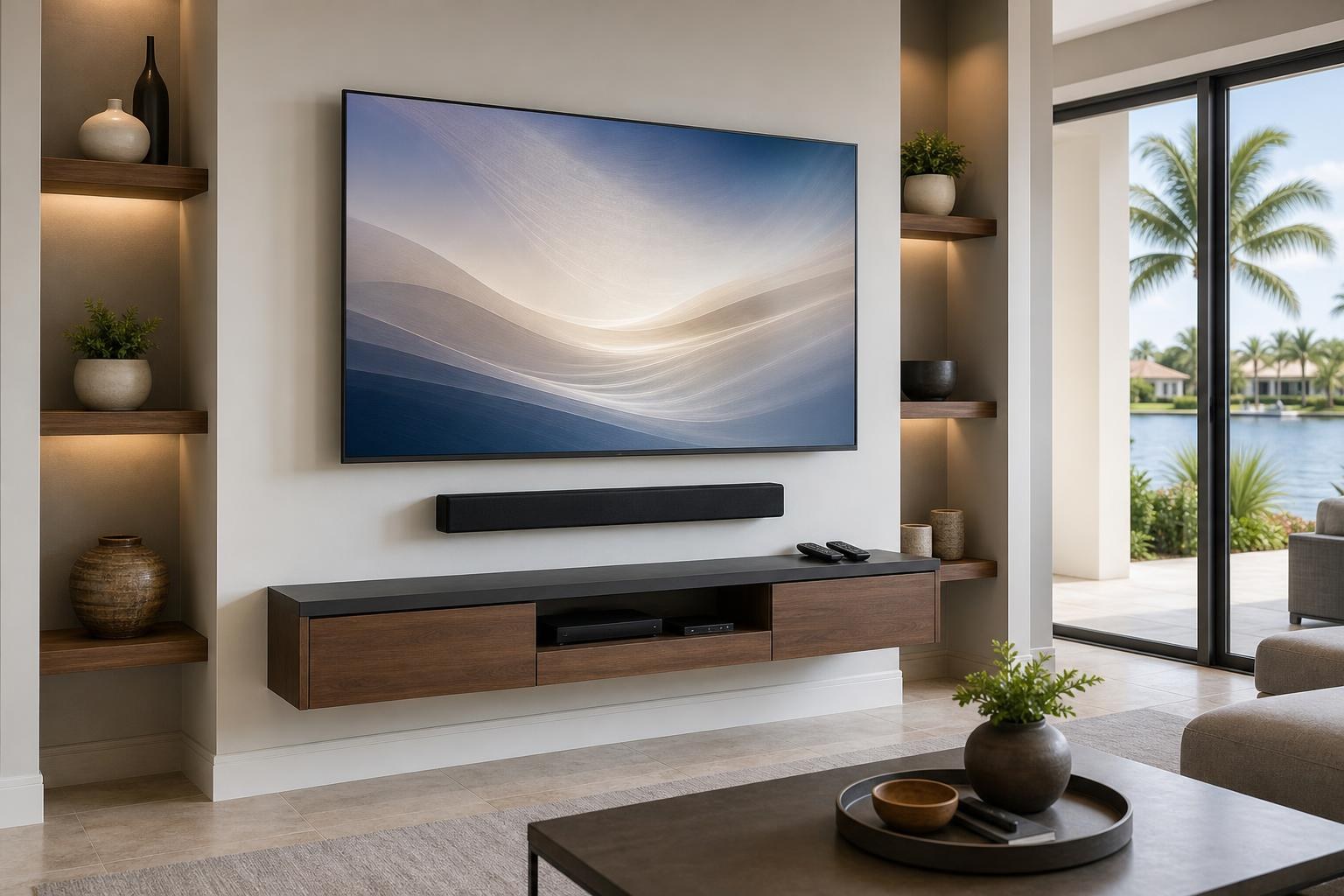
Mounted TV, Unfinished Setup? Troubleshoot Apps, Wi-Fi, Inputs, and Sound
October 19, 2026
The TV is mounted, the room looks finished, and then the setup stalls: an app will not open, the Wi-Fi connection keeps dropping, the soundbar is silent, or the streaming remote lands on the wrong input.
These problems do not necessarily mean that the TV or connected device is defective. Modern entertainment systems depend on several layers working together, including network access, account permissions, input selection, audio settings, device control, and software updates. One mismatched setting can make an otherwise clean installation feel incomplete.
This guide will help you identify which part of the system is causing trouble, what information to gather, and when professional smart-TV setup can save time after the screen is mounted.
Start by identifying the exact failure
“The TV does not work” can describe several unrelated problems. Before changing multiple settings, define what is actually failing. Does the home screen appear? Can the TV open its settings menu? Does one app fail while others work? Is there a picture without sound? Does a connected streaming device disappear after the TV is turned off?
The answer helps separate the issue into one of six common categories:
- TV internet or Wi-Fi connection
- App loading or updating
- Account sign-in and activation
- Input selection or input naming
- Sound output and soundbar communication
- Control handoff between the TV, streaming device, and remotes
Work from the visible symptom rather than changing every menu option. Settings names also vary by TV brand and model, so a label such as “external speakers” on one screen may appear as “audio system” or “receiver” on another.
If apps will not load, check whether the problem affects one app or the whole TV
A single app that freezes or rejects a sign-in points to a different issue than a TV that cannot load any online content. First, note whether other apps open normally. If they do, the problem may involve that app’s account, activation status, update, or temporary service condition.
If no apps load, confirm whether the TV reports that it is connected to the home network. A network name appearing on the screen does not always mean the TV has usable internet access. The TV may have retained an old password, connected to the wrong network, or lost its connection after equipment or account changes.
Also consider whether you actually want to use the TV’s built-in apps. Some households prefer a separate streaming device because its interface, remote, or existing subscriptions are more familiar. A professional setup can configure the preferred viewing path instead of leaving several competing home screens active.
Wi-Fi trouble may be a placement or network-selection issue
A newly mounted TV may be farther from the home’s network equipment than the previous screen or tabletop setup. Wall materials, nearby furniture, and the location of the TV can affect connection quality. The issue may also be as simple as selecting a guest network or an older saved network instead of the household’s primary connection.
During smart-TV setup troubleshooting, record the network name shown on the TV and whether the connection fails constantly or only during streaming. Avoid repeatedly resetting unrelated devices without a plan; that can erase useful settings and create additional sign-in work.
If the TV stays connected but video quality fluctuates, the concern may not be the mount or screen at all. It can be useful to compare the built-in apps with a connected streaming device before deciding which platform should become the room’s default.
Account sign-ins can stop an otherwise successful setup
Smart TVs may request a manufacturer account in addition to individual streaming-service accounts. A streaming device can add another profile, activation code, or verification step. This is where many installations pause even though the physical connections are complete.
Before a setup appointment, have the correct email addresses available and make sure you can access any verification messages sent to your phone or inbox. You do not need to give permanent passwords to an installer. In many cases, the homeowner can enter sensitive information directly while the technician handles navigation, device selection, and the surrounding setup.
It also helps to decide which household profile should open by default. That choice affects recommendations, watch histories, parental controls, and purchased content. If an old owner, family member, or unused profile remains signed in, the cleanest solution may involve reviewing the accounts before programming the room.
Input naming makes a multi-device system easier to use
A TV with a soundbar, Blu-ray player, game system, and streaming device can become confusing when every source is labeled with a generic port name. Clear input names make it easier to understand where each device lives and reduce the chance of selecting an unused connection.
Input naming is particularly useful when a streaming device starts correctly but the TV later returns to its own home screen. The labels provide a quick visual reference and make remote troubleshooting more precise. A professional can also help determine whether every connected device still serves a purpose or whether the system has duplicate streaming options.
If you are still planning the physical side of the room, the broader TV mounting services can combine screen placement with device hookup, media-cable organization, soundbar setup, and entertainment programming.
Picture without sound usually points to the selected audio path
When a mounted TV shows a picture but produces no sound, note where the sound is supposed to come from. Is the room using the TV speakers, a mounted soundbar, or another audio device? The selected output needs to match that plan.
A soundbar may also have its own source selection, volume state, and control settings. If the TV remote changes an on-screen volume indicator but the soundbar remains silent, the two devices may not be communicating through the intended path. If sound works in the TV menu but disappears only in one app or connected device, the issue may instead involve that source’s audio format or settings.
Avoid treating volume, device control, and sound output as the same setting. They are related, but each can fail independently. This distinction is one reason complete setup service can be more useful than mounting the screen alone.
Streaming-device handoff should feel predictable
Ideally, turning on the preferred streaming device should bring the TV to the correct source, route sound to the intended speakers, and leave the household with a clear remote-control routine. In practice, the TV may open its built-in home screen, the soundbar may remain on another source, or multiple remotes may compete for control.
The goal is not always to make one remote control every feature. The better goal is a predictable everyday routine that matches the equipment’s capabilities. That may mean one primary remote for normal viewing and a second remote kept nearby for occasional device-specific settings.
Homeowners booking TV Mounting Ocala can include streaming-device setup, Blu-ray or media-device hookup, soundbar setup, and home entertainment programming in the service discussion. Residents planning TV Mounting The Villages can likewise address the entire viewing routine rather than stopping once the screen is secured to the wall.
Prepare these details before requesting setup help
A short equipment inventory makes troubleshooting faster and helps define the service scope. Gather the following information without disconnecting a working component:
- TV brand, model, and approximate screen size
- Soundbar and streaming-device brands
- Other connected equipment, such as a Blu-ray player or game system
- The exact app, input, sound, or remote symptom
- Whether the problem is constant or intermittent
- Which remote you want to use for everyday viewing
- Whether media cables should also be routed or concealed more cleanly
Photos of the mounted TV, media furniture, devices, remotes, and current cable arrangement can also clarify the room before service. If a floating entertainment center or media console still needs installation or assembly, mention that separately so the quote reflects the complete project.
Turn a mounted screen into a finished entertainment setup
A clean installation should be easy to operate after the tools are gone. Apps should open under the right profiles, the preferred device should appear on the expected input, sound should follow the viewing source, and the remote routine should make sense to everyone using the room.
TV Mounting Ocala serves homeowners and residents across Marion, Orange, Alachua, Sumter, and Citrus counties with TV setup, streaming-device hookup, soundbar setup, home entertainment programming, media-cable concealment, and related mounting services.
If your screen is already mounted but the setup still feels unfinished, get an instant quote online or contact TV Mounting Ocala. You can also call (352) 462-1913 to discuss the TV, soundbar, devices, and symptoms you want addressed.
Ready to Get the Setup Off Your To-Do List?
Whether you are planning a new TV, soundbar, streaming setup, floating entertainment center, media furniture, pictures, mirrors, shelves, or another related mounting project, TV Mounting Ocala can help you turn the plan into a clean finished setup.
TV Mounting Ocala
(352) 462-1913
Project details, equipment, wall conditions, compatibility, availability, and final pricing can vary. Confirm your exact scope and quote before booking.