
How Long Does TV Mounting Take? What Can Extend Your Appointment
September 15, 2026
You have chosen the TV and cleared a place on the calendar. Now there is one practical question left: how much time should you set aside for the mounting appointment?
A straightforward installation may take around one to two hours, but a complete entertainment-wall setup can take longer. The TV size, wall surface, mount style, cable plan, soundbar, connected devices, and furniture all influence the schedule.
Understanding those variables helps you request the right service, prepare the room, and avoid planning the rest of your day around an unrealistic time estimate.
What is the usual time for mounting one TV?
For planning purposes, a relatively simple TV mounting appointment often takes approximately one to two hours. That generally means one TV, a compatible mount, a suitable mounting location, a clear work area, and a limited number of devices to connect.
This is a general range rather than a promise for every room. Confirming the viewing height, evaluating the wall, handling a large or delicate display, and checking the completed setup all take time. A TV should not be rushed onto the wall simply to meet an arbitrary schedule.
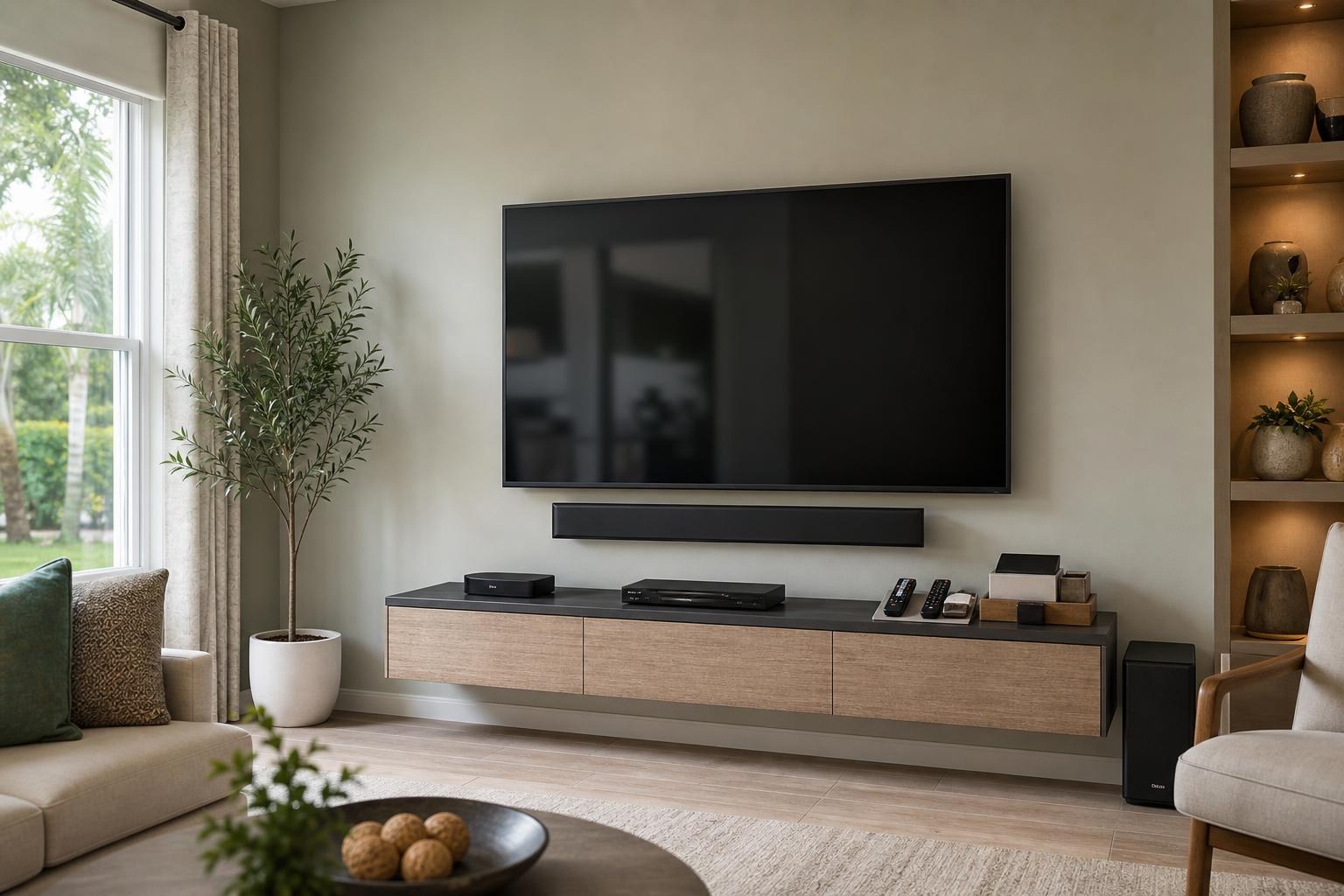
If the project includes a soundbar, multiple media devices, extensive media-cable organization, a floating console, or entertainment-center assembly, it is more realistic to think of the appointment as a complete room setup rather than a basic mounting visit.
What does a straightforward appointment include?
Even a simple appointment involves more than attaching a bracket. The mounting location and viewing position need to be reviewed before work begins. The TV must be handled carefully, aligned with the room, connected to the intended sources, and checked after mounting.
Time may also be needed to confirm that the remote works, select the correct inputs, organize visible media cables, and verify that connected devices display properly. These finishing details are often what separate a mounted screen from an entertainment space that is actually ready to use.
Seven factors that can change TV mounting time
1. TV size and handling requirements
A compact bedroom TV is generally easier to position than a 75-inch or larger display. Bigger TVs require more careful handling and may need additional room around the work area. Thin OLED displays also call for deliberate handling because pressure should not be placed on vulnerable parts of the screen.
2. Wall surface and mounting location
Drywall, brick, and other wall surfaces do not present the same installation conditions. The installer must evaluate the specific wall and mounting area before proceeding. Corners, fireplace walls, narrow wall sections, and locations near built-ins may also require more placement review than a wide, unobstructed wall.
3. Fixed, tilting, or full-motion mount
A fixed mount has fewer positioning variables than a full-motion mount. With an articulating setup, the installer needs to consider how the TV sits when closed, how it moves into the room, and whether the selected position supports the intended viewing angles.
Mount compatibility can also affect timing. Having the TV model and mount information available before the appointment makes it easier to identify potential fit concerns.
4. Soundbar placement and setup
A soundbar adds both visual and functional decisions. It may be mounted beneath the TV or positioned on media furniture. Either way, its spacing, alignment, connections, and remote behavior should be considered as part of the finished wall.
Connecting the soundbar is only part of the task. The TV may also need settings adjusted so sound routes correctly and everyday volume control feels simple.
5. Media-cable concealment and organization
A clean cable plan can add time, especially when several devices are involved. HDMI leads, streaming-device cables, soundbar connections, and Blu-ray player connections need to reach their destinations without looking tangled or interfering with a movable mount.
The concealment approach depends on the room, wall, furniture, and equipment layout. Mentioning your appearance goals when requesting a quote helps define whether you want basic organization or a more finished media-cable presentation.
6. Streaming devices, consoles, and Blu-ray players
Every connected device introduces another input, cable, account, and control question. A streaming device may need Wi-Fi access and account sign-in. A game console or Blu-ray player may need to be assigned to the right input and checked for picture and sound.
Home entertainment programming can take longer when several remotes are involved or when existing devices have not been used recently. This is useful time, however, because it helps ensure the room is functional before the appointment ends.
7. Entertainment furniture and shelves
Assembly or mounting of a floating entertainment center, media console, or shelf should be included in the original project scope. Furniture dimensions affect TV height, soundbar spacing, cable routes, and device access. If furniture must be assembled first, the overall appointment will naturally be longer.
The same principle applies when the project includes nearby pictures, mirrors, or related wall-mounted items. Planning the composition together can produce a more balanced result than treating each item as an unrelated task.
How long can a complete entertainment setup take?
There is no single duration for a full media-wall project, but the scope usually falls into one of these general planning categories:
- Basic TV mounting: One compatible TV and mount in a clear, uncomplicated location, with minimal device setup.
- TV and soundbar setup: Mounting and aligning both components, connecting them, organizing media cables, and checking sound control.
- Complete entertainment-wall setup: TV, soundbar, streaming or media devices, cable concealment, programming, and possibly furniture or floating-shelf work.
A multi-component project may require several hours, depending on the wall, equipment, furniture, and setup goals. Multiple TVs or rooms should also be disclosed when requesting the quote so the appointment can be planned around the complete list.
How to prepare without making the appointment a DIY project
You do not need to solve the mounting details yourself. A few planning steps can still make the visit more efficient and reduce time spent searching for accessories or making last-minute room decisions.
- Have the TV, mount, soundbar, and device model information available.
- Keep remotes, media cables, device accessories, and sign-in details together.
- Clear small décor and movable objects from the immediate work area.
- Decide which seats matter most for comfortable viewing.
- Identify every device you want connected and tested.
- Mention cable-concealment, shelf, furniture-assembly, or anchoring requests when booking.
If you are uncertain about TV height or soundbar spacing, leave those decisions open for an in-room review. It is better to discuss the actual sightline and furniture relationship than to commit to a measurement based only on a photo.
Why the fastest appointment is not always the best appointment
Speed matters when you are organizing your day, but the finished result matters longer. A rushed placement decision can leave the screen too high, visually crowded by furniture, or awkward from the primary seating area. Skipping device testing can also leave you sorting through inputs and remotes after the installer has gone.
A well-planned appointment allows time for careful TV handling, balanced placement, clean media-cable organization, soundbar integration, and practical testing. The goal is not simply to put the TV on the wall. It is to leave the entertainment area coherent and usable.
Request a quote based on your complete setup
TV Mounting Ocala serves homeowners and residents across Marion, Orange, Alachua, Sumter, and Citrus counties. Available services include TV mounting and home entertainment setup, soundbar installation, media-device hookup, cable concealment, entertainment furniture assembly, floating shelves, and related wall-mounted items.
For the most useful appointment plan, include the TV size, wall type if known, mount style, soundbar, connected devices, furniture, and cable-appearance goals in your request. You can get an instant online quote or contact TV Mounting Ocala with questions about a more involved entertainment setup. You can also call (352) 462-1913.
Ready to Get the Setup Off Your To-Do List?
Whether you are planning a new TV, soundbar, streaming setup, floating entertainment center, media furniture, pictures, mirrors, shelves, or another related mounting project, TV Mounting Ocala can help you turn the plan into a clean finished setup.
TV Mounting Ocala
(352) 462-1913
Project details, equipment, wall conditions, compatibility, availability, and final pricing can vary. Confirm your exact scope and quote before booking.
Related local services: Furniture Assembly Ocala