
Fixed vs. Swivel TV Mount: Which One Fits Your Room Best?
September 1, 2026
You know where the TV should go, but one decision can change how the entire room functions: should the screen stay flat against the wall, or should it move toward different seating areas?
A fixed mount creates a slim, streamlined appearance. A swivel mount offers more control over the viewing direction but adds depth and requires additional planning. The right choice depends on your seating, wall position, TV size, surrounding furniture, and how you expect to use the room.
Before booking a TV mounting service, compare these practical differences so the finished installation works as well as it looks.
The Short Answer: Choose for the Room, Not Just the TV
A fixed mount is usually the better fit when the seating is centered directly across from the TV and you want the screen to sit close to the wall. It works especially well in bedrooms, dedicated media spaces, and living rooms with a simple front-facing layout.
A swivel mount—often called a full-motion mount—is useful when viewers sit in more than one part of the room. It can direct the TV toward an angled sectional, an open kitchen, a nearby dining area, or different sides of a multipurpose space.
Neither style is automatically superior. The better mount is the one that supports your normal viewing habits without creating awkward placement, crowded furniture, or visible cable problems.
When a Fixed TV Mount Makes Sense
Fixed mounts keep the TV in one forward-facing position. Their simplicity is part of their appeal: there is less visible hardware, and many models hold the screen relatively close to the wall.
A fixed mount may be the right choice when:
- Your sofa or bed is centered across from the mounting wall.
- The room has one primary viewing position.
- You prefer a clean, low-profile entertainment wall.
- The TV will sit above a console or floating entertainment center with a balanced, symmetrical layout.
- You do not need frequent access behind the screen.
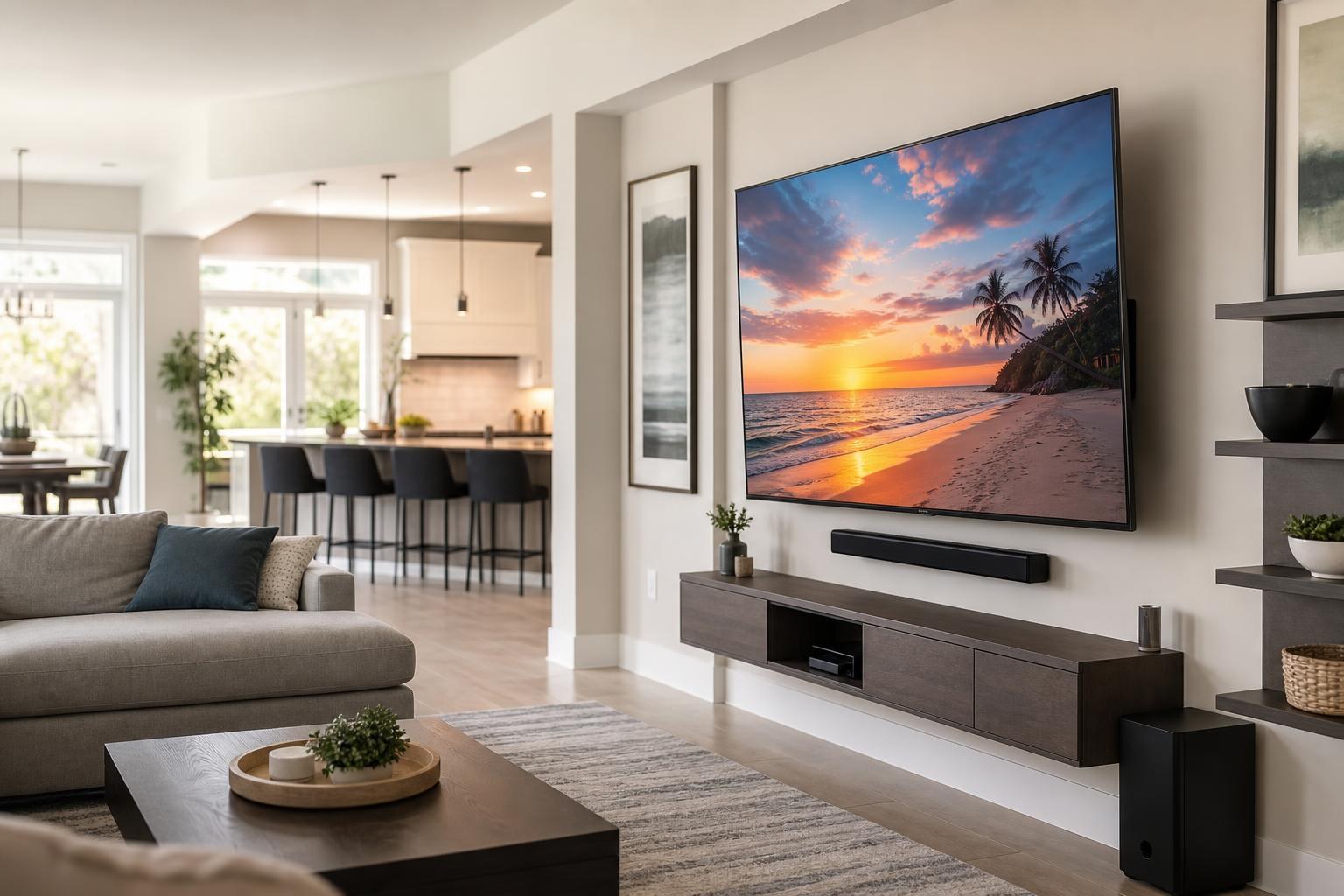
This style can also make visual planning easier. A centered TV, mounted soundbar, floating media unit, and matching shelves can form one clean vertical composition. Because the screen does not move, the relationship between those pieces remains consistent.
However, “fixed” does not describe every low-profile model in exactly the same way. Some mounts remain stationary but include limited tilt adjustment. Product specifications should be reviewed before installation so you know what movement, if any, the selected mount provides.
When a Swivel Mount Is Worth It
A swivel mount gives the TV lateral movement and may also allow extension, tilt, or other positioning adjustments, depending on the model. This flexibility is valuable when the wall and seating are not naturally aligned.
Consider a swivel mount for an open-concept Central Florida home where the TV may be watched from both a living area and kitchen. It can also help in a bedroom where the TV wall is offset from the bed, or in a bonus room where chairs and gaming seats face the screen from different angles.
A swivel mount can be especially useful when:
- The TV must be installed in a corner or on a wall beside the main seating area.
- A sectional creates several viewing positions.
- You want to redirect the screen for workouts, gaming, or entertaining.
- Room glare changes depending on the time of day.
- You need practical access to HDMI and media-device connections behind the TV.
The tradeoff is that a full-motion mechanism usually places more hardware behind the screen. Even when folded back, the TV may not appear as close to the wall as it would on a fixed mount. The screen’s position can also look less centered when it is extended or turned, which matters if it is surrounded by shelves, framed art, or built-in furniture.
Five Factors That Should Guide Your Decision
1. Your real viewing positions
Stand or sit where people actually watch television. Do not plan solely from the center of an empty room. Think about the favorite end of the sectional, recliners, dining chairs, kitchen sightlines, and whether the TV is sometimes watched while moving through the space.
If nearly everyone watches from the same centered position, a fixed mount may be all you need. If people regularly watch from noticeably different angles, swivel capability can make the room more comfortable.
2. TV size and handling
A larger screen creates a different visual and physical experience when extended from the wall. Mount compatibility must account for the TV’s dimensions, weight range, mounting pattern, and manufacturer requirements.
Thin OLED TVs also need thoughtful handling. Their slim panels can be more delicate than their appearance suggests, so mount selection and professional positioning should be planned before the screen is lifted or adjusted.
3. Furniture and wall composition
Your TV does not exist in isolation. A console, floating entertainment center, soundbar, shelves, framed pictures, or decorative wall panels can affect which mount looks appropriate.
A swivel TV needs room to move without appearing to collide with nearby shelves or extending awkwardly over furniture. A fixed TV offers a more predictable composition, but its placement must be correct from the beginning because it cannot be redirected toward off-center seating later.
4. Reflections and changing daylight
Movement can help redirect a screen when reflections affect daytime viewing, but a swivel mount is not a complete cure for every glare issue. Window location, screen finish, room layout, and the TV’s resting angle all matter.
If reflection control is one of your reasons for choosing a swivel mount, evaluate the room during the hours when you watch most often. This gives you a more realistic idea of how much movement will be useful.
5. Everyday usability
Think about who will reposition the TV and how often. A mount with extensive movement may sound appealing, but some households will rarely use it. Others will adjust the screen every day between kitchen viewing, sofa viewing, and gaming.
The goal is not to buy the mount with the most features. It is to choose movement that solves an actual room-layout problem.
Plan the Soundbar, Devices, and Media Cables at the Same Time
Mount choice affects more than the screen. A wall-mounted soundbar can remain fixed beneath the TV, or compatible hardware may allow it to move with the screen. The right arrangement depends on the TV, soundbar, mount, and desired appearance.
Media-cable routing also needs enough flexibility for the selected range of movement. Cables that look organized with a TV folded against the wall should remain controlled when the screen is extended or turned. Streaming devices, Blu-ray players, game consoles, and other components need suitable placement and connection planning as well.
TV Mounting Ocala can combine mounting with soundbar setup, streaming-device hookup, home entertainment programming, media-cable concealment, and entertainment-center assembly. Planning these elements together can prevent a mount from being installed at a height or position that conflicts with the rest of the entertainment wall.
What to Have Ready Before Your Appointment
You do not need to perform a technical wall assessment yourself. A few basic decisions will still make the planning conversation more productive:
- Identify the main and secondary viewing seats.
- Note the TV model and screen size.
- Decide whether the TV should face another part of the room.
- List the soundbar, streaming devices, consoles, or media players being connected.
- Consider any console, floating furniture, shelves, pictures, or mirrors planned for the same wall.
- Have the mount available if you already purchased one, including its product information.
If you have not selected a mount, explain the movement and finished look you want. Compatibility should be confirmed rather than assumed from a broad screen-size label on the packaging.
Choose the Mount That Makes the Room Easier to Use
Choose a fixed mount for a centered viewing layout and a slim, orderly appearance. Choose a swivel mount when multiple seating angles, an offset wall, or an open floor plan creates a genuine need to redirect the screen.
For homeowners in Marion, Orange, Alachua, Sumter, and Citrus counties, TV Mounting Ocala can help coordinate the TV, soundbar, devices, media cables, and furniture as one finished setup. Pricing depends on the current online quote and the options selected for your installation.
When you are ready to plan the room, get an instant online quote or contact TV Mounting Ocala with questions about your TV, mount, and entertainment-wall layout.
Ready to Get the Setup Off Your To-Do List?
Whether you are planning a new TV, soundbar, streaming setup, floating entertainment center, media furniture, pictures, mirrors, shelves, or another related mounting project, TV Mounting Ocala can help you turn the plan into a clean finished setup.
TV Mounting Ocala
(352) 462-1913
Project details, equipment, wall conditions, compatibility, availability, and final pricing can vary. Confirm your exact scope and quote before booking.
Related local services: Furniture Assembly Ocala
Serving another priority local market: TV Mounting The Villages.