
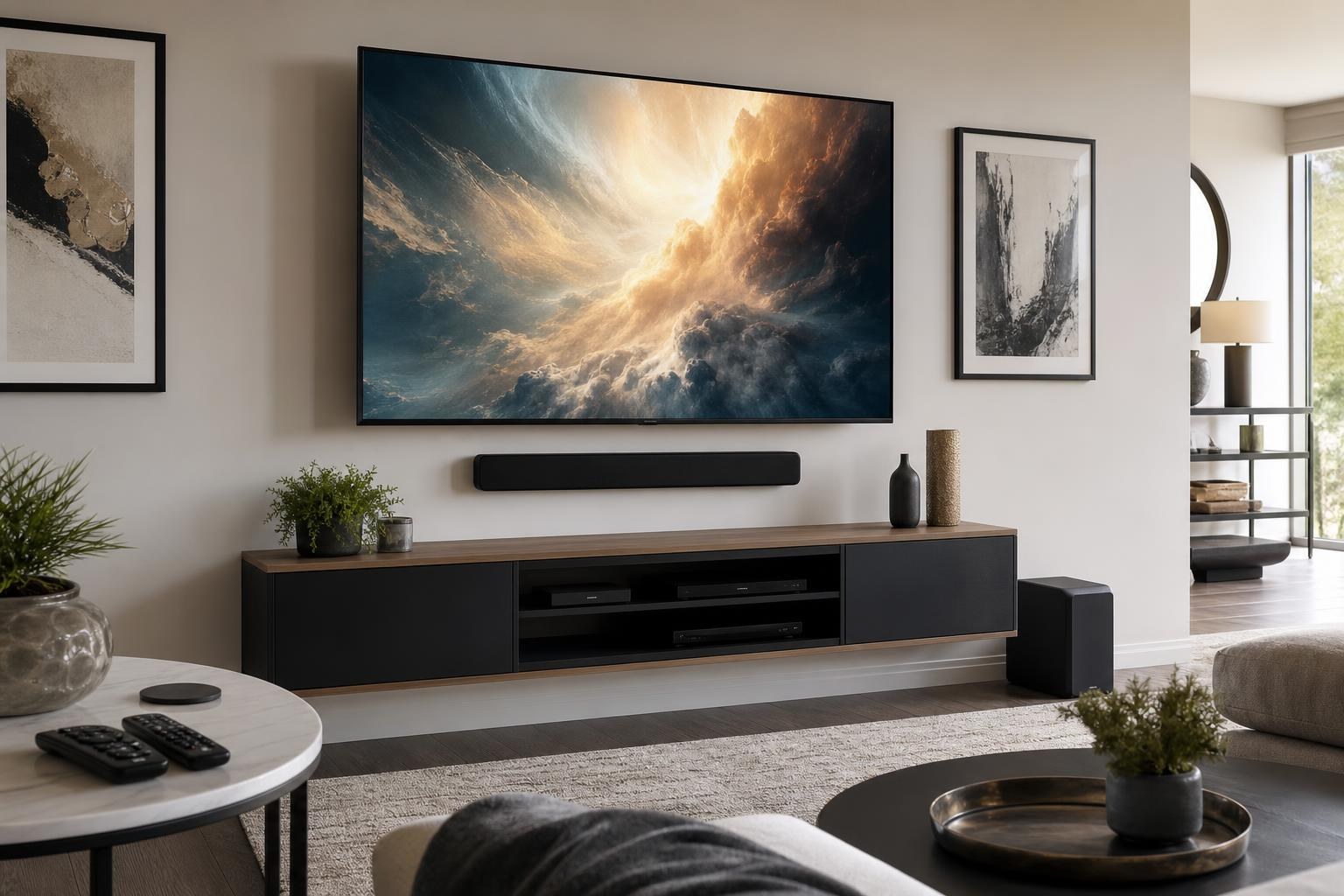
Why Your TV, Soundbar, and Streaming Devices Don’t Work Together—and How Programming Helps
September 23, 2026
Your TV turns on, but the soundbar does not. The streaming remote changes the volume sometimes, yet the TV remote works differently. Someone selects the wrong input, the screen goes blank, and movie night becomes a troubleshooting session.
These problems are common when a home entertainment system has been assembled one device at a time. Each component may work perfectly on its own, but that does not mean the entire system has been configured to behave as one coordinated setup.
A professional home entertainment programming service focuses on that missing coordination. The goal is not simply to connect the TV, soundbar, streaming player, Blu-ray player, and remotes. It is to create a predictable experience that makes sense to the people who use the room every day.
What Does “Working Together” Actually Mean?
A coordinated entertainment system should perform ordinary tasks without making you think about connection paths or device settings. You should be able to start a streaming app, hear sound from the expected speaker, adjust the volume with the intended remote, and return to live TV or another source without guessing which input to choose.
Depending on your equipment and preferences, a properly planned system may provide:
- A clear primary remote for everyday viewing
- Consistent soundbar startup and volume control
- Logical, accurately labeled TV inputs
- Reliable switching between streaming, Blu-ray, gaming, and other sources
- Appropriate picture and audio behavior for each device
- Organized media cables and fewer unnecessary connections
- A simple routine that family members and guests can understand
Not every combination of products supports identical behavior. The right result depends on the capabilities of the TV, soundbar, remote, and connected devices. Good programming starts by identifying what your system can support and how you actually want to use it.
Why Individually Working Devices Can Still Create a Confusing System
The connection path affects control
A device can connect directly to a TV, pass through certain soundbars, or use another compatible component in the system. That connection plan affects input selection, audio return, remote commands, and startup behavior.
ARC and eARC compatibility can also influence how sound travels between a TV and soundbar. Using compatible ports is only one part of the equation; the related TV and audio settings need to support the intended arrangement.
Automatic control features are not always automatic
Many modern devices use HDMI control features to share commands such as startup, standby, input switching, and volume adjustment. Manufacturers often give these features different names, and default settings can vary.
When the control chain is only partly configured, the results may feel random. One remote might turn on two devices but leave a third inactive. Starting a streaming player may switch inputs correctly one day and fail after another device was used.
Every device adds another settings layer
A smart TV has its own apps and account settings. A streaming player adds another home screen and remote. A soundbar introduces audio modes and control preferences. A Blu-ray player or game console adds more inputs, picture formats, and playback settings.
Without a clear hierarchy, the system can develop duplicate apps, unnecessary menu choices, and several ways to perform the same task. More options do not always create a better experience.
Which Remote Should Control the Room?
The best primary remote depends on how the system is used. A household that streams almost everything may prefer the streaming-device remote for daily viewing. Another family may need the TV remote because they frequently use built-in apps or TV-specific features. A more complex system may benefit from a compatible universal remote arrangement.
The important decision is not which remote has the most buttons. It is which one can handle the household’s most common actions with the fewest exceptions.
Before programming, it helps to identify priorities such as:
- Which device should open to the main viewing screen
- Whether the soundbar should be used for all viewing
- Who needs the system to be especially simple
- Which sources are used daily versus occasionally
- Whether original remotes should remain accessible for advanced settings
- What should happen when the main remote starts or ends a viewing session
A realistic setup may still require an original remote for an occasional advanced function. The everyday experience, however, should not feel like operating a control room.
Signs Your System May Need Professional Programming
Repeatedly changing inputs to recover the picture is a strong sign that the device path is unclear. Other indicators include sound coming from the TV instead of the soundbar, remotes controlling volume inconsistently, noticeable lip-sync problems, or a device that appears to stop working whenever someone uses a different source.
You may also want setup help after replacing one part of an existing system. A new TV can change how an older soundbar receives audio. A new streaming player may introduce format or remote-control differences. Even when the physical connections appear similar, the new combination may need fresh configuration and testing.
Professional help is especially useful when the system technically works but is too complicated for other household members. A successful setup should be repeatable, not dependent on the one person who knows the correct sequence of buttons.
What a Home Entertainment Programming Appointment Can Address
Home entertainment programming begins with the equipment you own and the result you want. The technician can review the TV, soundbar, streaming devices, Blu-ray or media players, remotes, and current cable arrangement before determining a practical control plan.
Programming may include organizing and labeling inputs, configuring compatible device-control features, selecting the intended audio path, setting up streaming hardware, coordinating remote behavior, and testing common viewing scenarios. Picture and sound options can also be reviewed so connected devices are not undermining the experience with an inappropriate output setting.
Testing matters because a system can appear functional when only one source has been checked. A more useful evaluation covers the actions you perform regularly: starting a streaming service, adjusting sound, changing to a disc player, returning to the primary screen, and ending the session.
TV Mounting Ocala offers TV setup, soundbar setup, streaming-device setup, Blu-ray and media-device hookup, and home entertainment programming as part of its home entertainment services.
Programming Is Easier When the Physical Setup Is Planned as One System
Device behavior and room design are closely connected. A soundbar positioned properly beneath the screen is easier to integrate into a clean viewing area. A floating entertainment center can provide accessible storage for streaming players and media devices. Thoughtful cable routing reduces clutter and makes it easier to identify which component is connected where.
This is why it can be helpful to coordinate programming with TV mounting, soundbar mounting, media-furniture assembly, or wire and cable concealment. Planning everything together avoids finishing the wall visually and then discovering that a device lacks sensible placement, remote visibility, ventilation space, or cable access.
If your TV is already mounted, programming can still improve usability. Before the appointment, note which devices are involved, which remotes you have, and the exact problems you encounter. A photo of the current connections and model information can also help clarify the setup when requesting a quote.
Make the System Easier for Everyone to Use
The best home entertainment system is not necessarily the one with the most features. It is the one that reliably delivers the picture, sound, and content you want without requiring repeated troubleshooting.
TV Mounting Ocala serves homeowners and residents across Marion, Orange, Alachua, Sumter, and Citrus counties. If your TV, soundbar, streaming devices, and remotes are not cooperating—or you are planning a new entertainment wall—you can get an instant online quote or contact TV Mounting Ocala to discuss the equipment and setup you need.
Ready to Get the Setup Off Your To-Do List?
Whether you are planning a new TV, soundbar, streaming setup, floating entertainment center, media furniture, pictures, mirrors, shelves, or another related mounting project, TV Mounting Ocala can help you turn the plan into a clean finished setup.
TV Mounting Ocala
(352) 462-1913
Project details, equipment, wall conditions, compatibility, availability, and final pricing can vary. Confirm your exact scope and quote before booking.
Related local services: Furniture Assembly Ocala