
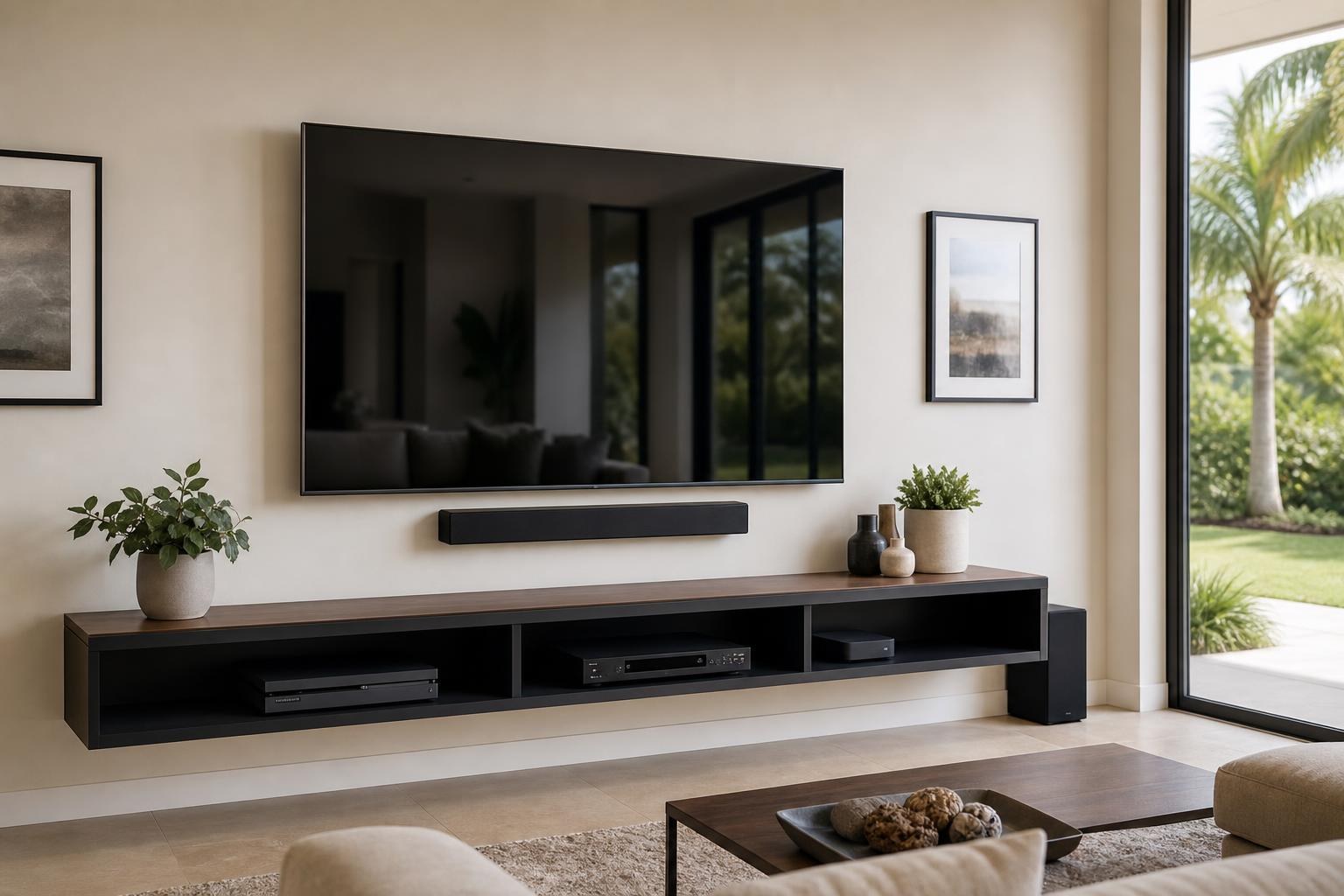
Not Enough HDMI Ports? Plan Your TV, Soundbar, Blu-ray, Streaming, and Game Setup
October 20, 2026
A mounted TV can look finished while the entertainment setup beneath it remains frustrating. The soundbar needs one connection, the game console performs best on another, and there may not be enough inputs left for both a streaming device and a Blu-ray player.
The answer is not always to connect devices in whichever order is convenient. HDMI ports may support different features, and the way they are assigned can affect sound, picture quality, remote control, and daily ease of use.
Before booking TV Mounting Services, it helps to create a connection map: a simple plan showing which devices deserve direct TV inputs, which port must be reserved for the soundbar, and whether an expansion option makes sense.
Start by identifying the HDMI ports that have special jobs
Although the HDMI inputs on a TV may look identical, their labels matter. One may be marked ARC or eARC for sending TV audio to a compatible soundbar. Another may support the TV’s strongest gaming features. Some models provide advanced picture capabilities on every input, while others limit those capabilities to selected ports.
This means a TV advertised with four HDMI inputs does not necessarily give you four interchangeable places for media devices. If one input is reserved for the soundbar, only three remain. A television with three inputs may leave just two after sound is connected.
Accessibility matters as well. Rear-facing inputs may become difficult to reach after the TV is mounted close to the wall. Side-facing ports can be more convenient for equipment that changes over time. Port location should therefore be reviewed along with mount depth, screen position, and cable routing.
A practical connection map for four common devices
The following map provides a planning order rather than a universal hookup formula. The correct arrangement depends on the specific TV, soundbar, console, and media-device models.
| Connection | Typical priority | Planning reason |
|---|---|---|
| TV ARC/eARC port to soundbar | Reserve first | Supports compatible audio return and may simplify volume control. |
| Game console to a suitable TV input | High | Some consoles benefit from a port supporting the TV’s strongest gaming and picture features. |
| Streaming device to TV | Medium to high | A direct input can make a frequently used streaming device easy to select and program. |
| Blu-ray player to TV, soundbar input, or compatible HDMI switch | Usage dependent | A player used occasionally may be the best candidate for a shared or pass-through connection. |
If the television has enough compatible inputs, every source device can connect directly to it while the soundbar occupies ARC or eARC. When ports are limited, the best arrangement depends on which devices are used most and what formats they need to carry.
Which device should receive the best direct input?
Reserve the soundbar connection first
If the soundbar and TV support ARC or eARC, that labeled port usually needs to be kept available for the audio connection. Plugging another device into it simply because it is physically convenient can complicate sound and remote behavior later.
A soundbar may also include its own HDMI input. In some systems, that input can pass video from a media device through the soundbar to the TV. Compatibility should be confirmed before relying on this arrangement, especially when advanced picture or audio formats matter.
Give the game console the features it needs
Game consoles can be more demanding than ordinary media players. Depending on the TV and console, the preferred input may support higher frame-rate features, enhanced picture formats, or automatic game-mode behavior. Assigning that port to a device that does not need it can leave the console performing below the system’s intended capability.
Homeowners do not need to memorize every format before an appointment. Recording the model numbers of the TV and console makes it easier to review compatibility and plan the input assignment.
Compare how often you use streaming and discs
If a separate streaming device is the household’s everyday source, it generally deserves a convenient direct connection. If the TV’s built-in apps already handle most viewing, the external streamer may be optional or may only be needed for a particular app or interface.
The same usage test applies to a Blu-ray player. A movie collection used every weekend deserves easier access than a player used twice a year. Frequency does not change compatibility, but it should influence which device receives the simplest path and which one can reasonably share an input.
When an HDMI switch may solve the port shortage
An HDMI switch allows multiple source devices to share one TV input. It can be useful when a TV has too few ports, but it should not be treated as a generic cure for every setup.
Before including a switch in the plan, consider:
- Whether it supports the picture and sound formats used by the connected devices
- Whether switching is manual, remote-controlled, or automatic
- How it behaves with device-control features such as HDMI-CEC
- Where it will sit without creating visible clutter
- Whether its ports and controls will remain accessible inside the media area
- How the added cables will be organized and concealed
A switch is often more appropriate for two occasional-use sources than for a primary game console or the device watched every day. It also adds another component that must be placed, labeled, and included in the remote-control plan.
Your connection map also affects the remote-control plan
Port availability is only one part of the problem. A technically compatible arrangement may still feel inconvenient if turning on one device selects the wrong input or if volume commands do not reach the soundbar.
HDMI-CEC can allow compatible equipment to exchange basic control commands, but manufacturers may use different names for the feature. Behavior also varies among devices. A complete setup should account for the desired startup routine: which remote the household wants to use, which home screen should appear, and whether the soundbar should activate with the TV.
This is where home entertainment programming becomes as important as the physical hookup. The goal is not merely to display a picture from every device. It is to make switching among streaming, gaming, discs, and regular TV viewing understandable for everyone in the home.
Plan device placement and cable organization together
A connection map works best when it matches the room. A compact streaming device may be easy to position discreetly, while a game console and Blu-ray player need suitable shelf space and usable access. Doors, shelf openings, soundbar clearance, and the distance between the TV and media furniture can all affect cable routing.
For a floating entertainment center, the device arrangement should be decided before the cabinet position is finalized. This helps keep media cables organized and prevents frequently used controls or disc trays from becoming awkward to reach. If the room also needs a console assembled or anchored, Furniture Assembly Ocala can be considered as part of the broader room plan.
Wire concealment should likewise reflect the final equipment list. Planning only for the TV and then adding a soundbar, console, and player later can create a visibly unfinished cluster of cables beneath an otherwise clean installation.
What to prepare before a complete TV setup appointment
A small amount of preparation can make the connection plan much clearer. Gather the model numbers for the TV, soundbar, game console, Blu-ray player, and streaming device. Note which equipment is already installed and which items are new.
It is also useful to identify the household’s priorities: best gaming performance, one-remote simplicity, easy disc access, minimal visible equipment, or straightforward switching for guests. Have the original remotes available, but do not send passwords or other sensitive account details with an online quote request.
Photos of the TV wall, existing media furniture, device shelves, and available HDMI labels can help explain the current setup. Residents planning TV Mounting The Villages or service elsewhere in Sumter, Marion, Orange, Alachua, or Citrus County can use the same preparation approach.
Build one plan for the screen, sound, devices, and furniture
Limited HDMI ports are manageable when the full entertainment system is planned before equipment is placed. The soundbar receives the connection it needs, the console gets an appropriate input, and lower-priority devices are assigned without creating avoidable control or cable problems.
TV Mounting Ocala can help with TV setup, soundbar mounting and setup, streaming-device and Blu-ray hookup, home entertainment programming, media-cable concealment, and related entertainment-center work. For a room-specific plan, call (352) 462-1913 or get an instant online quote.
Ready to Get the Setup Off Your To-Do List?
Whether you are planning a new TV, soundbar, streaming setup, floating entertainment center, media furniture, pictures, mirrors, shelves, or another related mounting project, TV Mounting Ocala can help you turn the plan into a clean finished setup.
TV Mounting Ocala
(352) 462-1913
Project details, equipment, wall conditions, compatibility, availability, and final pricing can vary. Confirm your exact scope and quote before booking.