
How to Photograph Your Room for an Ocala TV Mounting Assessment
October 7, 2026
A close-up photo of a television tells only part of the story. It does not show how far away the sofa is, whether the screen will compete with a doorway, where a soundbar might fit, or how media cables should look once everything is connected.
For a useful Ocala TV mounting assessment, the most valuable images show the relationship between the TV, wall, seating, furniture, and connected devices. A thoughtful set of photos can help clarify the likely service scope before booking and reduce last-minute decisions during the appointment.
This guide explains what to photograph, what information to include, and which details are better discussed with a mounting professional.
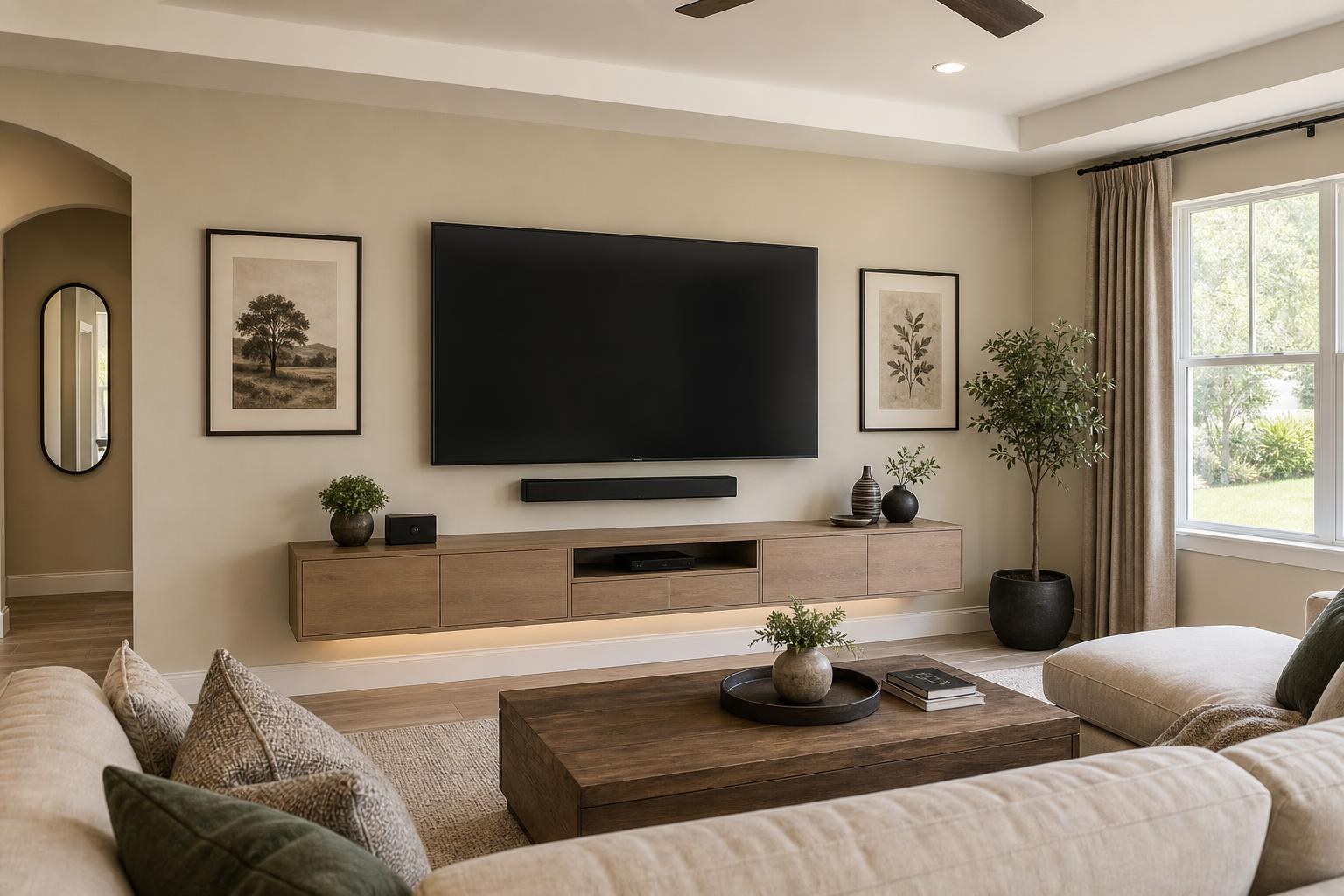
Start with one photo of the entire TV wall
The first image should show the proposed TV wall from as far back as the room allows. Include the full width of the wall as well as nearby doors, windows, shelves, furniture, and architectural features.
This wide view provides context that a tightly cropped wall photo cannot. It can reveal whether the television needs to align with a media console, sit between two windows, share space with framed art, or account for a doorway that affects the viewing angle.
If the TV is currently sitting on furniture, leave it in the frame. Its present position offers a useful size reference and may help illustrate why you want it raised, centered, or moved to a different wall.
When requesting TV Mounting Ocala, this room-wide image is a strong starting point for discussing placement rather than focusing only on the screen.
Show the wall from the main seating position
Next, photograph the TV wall from the place where people will watch most often. The goal is to represent the viewer’s actual line of sight.
For a living room, that may be the center seat of the primary sofa. In a bedroom, it may be the center of the bed. In an open-concept space, you may need more than one viewing photo because the television could be watched from the seating area, kitchen, or dining space.
This perspective helps frame several important questions:
- Should the TV be centered on the wall, the furniture, or the main viewing seat?
- Could a doorway or tall decorative item interfere with the view?
- Does the room call for a straightforward viewing position or a mount that supports multiple angles?
- Will a soundbar remain visually balanced beneath the screen?
- Could daylight or room lighting create distracting reflections?
A photograph is not a substitute for final positioning in the room, but it helps identify the choices that should be discussed before the screen goes on the wall.
Include side views when room depth or glare matters
A side-angle photo can show the distance between the wall and seating more clearly than a front-facing image. It may also reveal a deep media cabinet, a narrow walkway, or a window that faces the television.
Take one side view that includes the proposed wall, the main seat, and as much of the space between them as possible. If the room receives strong daylight, an additional photo taken during the brightest part of the day can show where glare may become a concern.
For corner walls, fireplaces, or open rooms with several sightlines, two side views are often more useful than a large collection of close-ups.
Photograph the TV identification label
TV size alone does not identify every planning detail. Two 65-inch televisions can differ in weight, rear-panel design, mounting pattern, input placement, and overall handling needs.
Include a clear photograph of the manufacturer label showing the model number. This label is commonly found on the back of the television. If the TV is still packaged, photograph the model information on the box instead of unpacking it solely for the quote.
Also mention whether the screen is new, currently in use, or being moved from another room. OLED televisions and very large screens can benefit from additional planning because their shape, handling requirements, and connection locations may affect the appointment scope.
Show the mount and its identifying information
If you already purchased a mount, photograph the unopened box or its model label. A picture of loose metal components without packaging may not provide enough information to confirm what type of mount it is or which parts are present.
Let the service provider know whether the mount is fixed, tilting, or designed to extend and change direction. If you are unsure, the product label is more useful than a guess.
If no mount has been selected, say so. It is better to discuss the desired screen position and viewing behavior than to buy a mount based only on TV size. You can review the broader TV mounting services available when deciding how much of the setup you want handled together.
Create a complete picture of the soundbar plan
A soundbar can influence the TV’s final visual position. Photograph the soundbar from the front and include its model information when available. Then take a wider image showing the television, proposed wall, and any console or floating furniture beneath it.
Explain whether you want the soundbar mounted beneath the TV or placed on the media console. If it will be mounted, note whether it should visually follow the screen when an adjustable mount changes direction.
Existing speakers, decorative shelves, tall lamps, and furniture edges should remain visible in the wide photo. They help show how much breathing room is available around the TV and soundbar.
Photograph every device that needs to work with the TV
Device planning is easier when the assessment includes more than a list of brand names. Arrange the relevant equipment where it can be seen and take a clear group photo. Include streaming devices, Blu-ray players, game systems, media boxes, remote controls, and other components that need to connect with the television or soundbar.
Photos of the back or connection side of the devices can also help clarify the setup. Do not disconnect a working system merely to produce these images; provide what is safely visible and describe anything that cannot be photographed.
It is also helpful to explain the desired result. For example, do you want to watch streaming apps through the TV, play Blu-ray discs through the soundbar, or simplify control across several devices? These goals help distinguish basic mounting from a more complete home entertainment setup.
Show how you want the media cables to look
“Hide the wires” can mean different things in different rooms. Some homeowners want media cables organized neatly behind a console. Others want visible cable runs reduced as much as the room and selected equipment allow.
Photograph the complete area below and beside the proposed TV position. Show the console, device shelves, existing cable path, and any openings built into the furniture. A second close-up can document the types and number of media cables involved.
Rather than trying to prescribe a routing method from a photo, describe your appearance goal: minimal visible cable, easy device access, or a flexible arrangement for equipment that changes frequently. The final approach depends on the room, wall, devices, and chosen placement.
Include furniture that affects the installation
A media console can establish the visual centerline of the entire wall. Photograph it from the front and include the surrounding floor area. If the piece still needs assembly, provide a photo of the product box or model information and mention whether anchoring is requested.
The same applies to a floating entertainment center, wall-mounted cabinet, or shelves planned around the television. Share the product information and an image of the complete wall rather than photographing each box alone.
Homeowners coordinating a new media unit with TV installation can review Furniture Assembly Ocala as part of the broader room plan. This helps keep screen placement, furniture width, soundbar clearance, and device access connected instead of treating them as unrelated decisions.
Add a short written room summary
Photos are most useful when paired with a concise description. Along with your images, provide the TV size and model, the room type, the preferred wall, the primary viewing seat, and the devices that need setup.
Also mention whether you already own the mount, soundbar, console, or shelves. If you are undecided about the exact TV height or soundbar position, say so. Those are appropriate topics to evaluate rather than details you must settle alone.
A tape measure placed in a photo can be hard to read, so write down any relevant approximate dimensions separately. Useful examples include the wall width, furniture width, TV size, and approximate viewing distance. These figures support planning, while the final placement can be confirmed in the room.
A focused photo set is better than dozens of random images
For most rooms, a practical assessment set consists of the full TV wall, the view from the main seat, one side angle, the TV model label, mount information, soundbar details, devices, and the cable or furniture area. Add extra images only when they explain an unusual corner, competing viewing angle, reflective window, or wall-mounted furniture plan.
Avoid sending images that include private documents, family photographs, computer screens, or unrelated parts of the home. Clear, well-lit photos of the relevant room are more helpful than a long video moving quickly through the space.
Prepare the room plan before you book
A good room assessment does not require you to make every mounting decision in advance. Its purpose is to communicate the room, equipment, desired appearance, and viewing priorities clearly enough to select an appropriate service scope.
TV Mounting Ocala serves homeowners and property residents in Ocala and throughout the company’s Central Florida service area. When your photos and equipment details are ready, you can get an instant online quote and choose the options that match your project. For questions that need additional context, use the contact page or call (352) 462-1913.
Serving another priority local market: TV Mounting The Villages.
Ready to Get the Setup Off Your To-Do List?
Whether you are planning a new TV, soundbar, streaming setup, floating entertainment center, media furniture, pictures, mirrors, shelves, or another related mounting project, TV Mounting Ocala can help you turn the plan into a clean finished setup.
TV Mounting Ocala
(352) 462-1913
Project details, equipment, wall conditions, compatibility, availability, and final pricing can vary. Confirm your exact scope and quote before booking.